The Whisper Web App
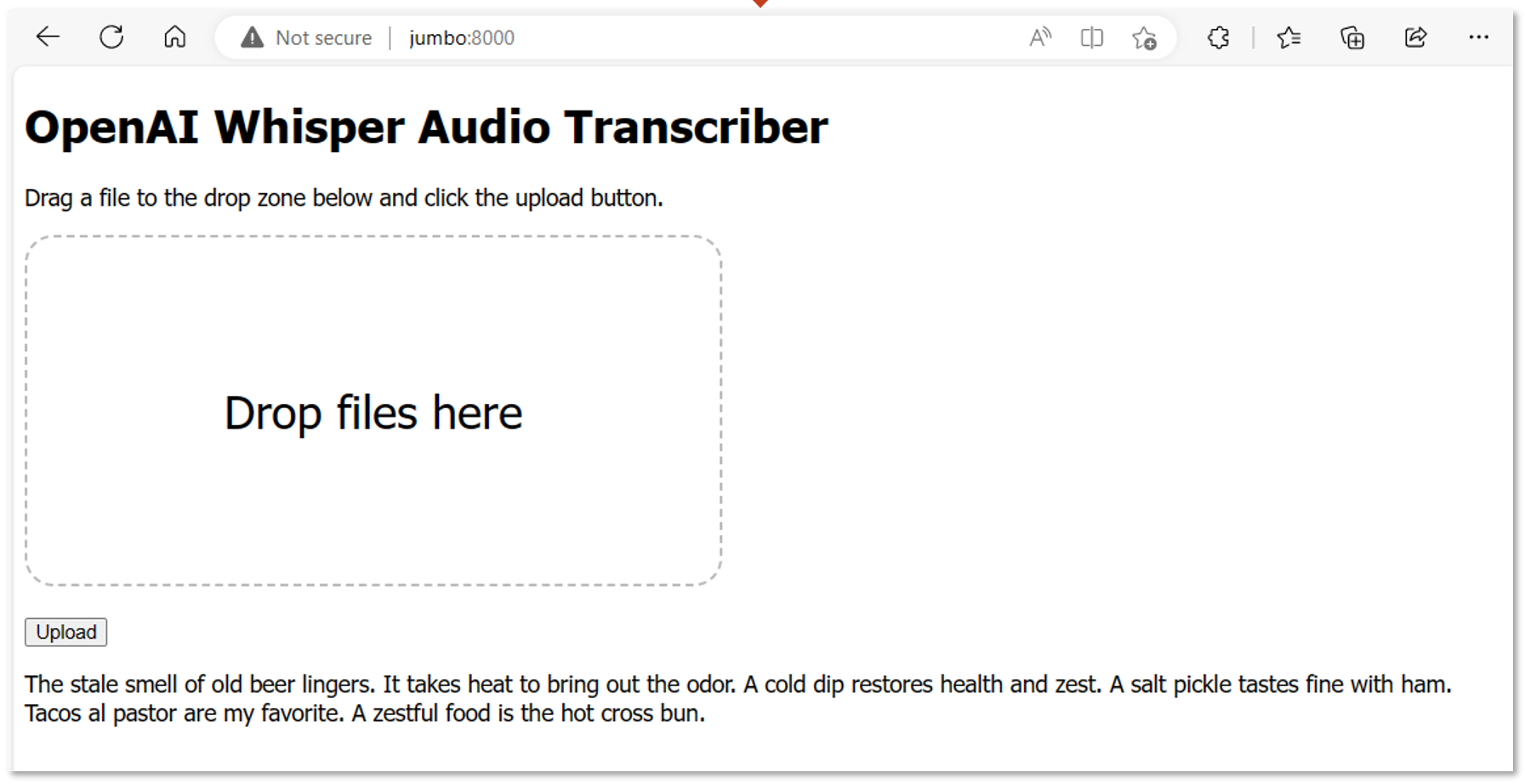
On the same computer as the Whisper Transcriber Service, you can run the Whisper Transcriber web app. The web app is a simple web page that allows you to select an audio file and transcribe it using the Whisper Transcriber Service.
Install the Web App
You can install the Whisper Transcriber web app on Windows, macOS, and Linux.
Note, on Windows, install the Whisper web app on Windows, not in WSL.
Install system dependencies
Follow the instructions for your operating system.
Install Windows 11 dependencies
- Install the latest version of Python 3.
Install Ubuntu dependencies
- Install
pip3.- Open a terminal window.
- Run
sudo apt install python3-pip
Install the required Python libraries
From a
Terminalwindow, clone the Whisper Transcriber Sample to your preferred repo folder.git clone https://github.com/gloveboxes/OpenAI-Whisper-Transcriber-Sample.gitNavigate to the
clientfolder.cd OpenAI-Whisper-Transcriber-Sample/clientInstall the required libraries.
On windows:
pip install requestsOn macOS and Linux:
pip3 install requests
Start the Web App
Run the following command to start the Whisper Transcriber web app.
On Windows:
python whisper_web.pyOn macOS and Linux:
python3 whisper_web.pyOpen a web browser and navigate to
http://localhost:8000/, or from a different computer, navigate tohttp://<HOST ADDRESS>:8000/Drag and drop an audio file onto the web page and click
Upload.