Introduction
The goal of the Altair 8800 Z80 AI Edition is to blend the old with the new — using AI to help you build software for the Altair 8800 running on the ESP32-S3, Linux/macOS, Windows, and Docker. You'll pick up computing fundamentals and learn how to work alongside AI tools to write code for a 1970s computer.
Acknowledgements
This project stands on the shoulders of the following projects:
- A complete emulation of the Intel 8080 processor written in C99.
- Deramp retro disks.
- The Altair Front Panel Kit.
- CP/M Disk Operating System.
- CP/M-80 2.2 Compilers and Retro Compiler Community
- Codex and Claude Foundation models.
Agentic Engineering
You may have heard of "vibe coding" — tossing a quick request at an AI and hoping for the best. Agentic engineering is the grown-up version. AI doesn't do the thinking for you: you still need to understand the problem and steer it towards designs that, in our case, fit a tiny computer with very little memory. Think of the AI as a fast but eager helper — it writes a lot of the code, but you stay in charge, deciding how the project is structured, setting the rules it follows, and reviewing everything to make sure it actually works.
It's a more demanding way of working than firing off prompts and hoping — and it rewards the same habits good engineers already rely on. Plan before you build: sketch out what you want and agree the approach with the AI first, then let it write the code. Work in small, testable steps so problems are easy to spot, and review everything it produces rather than accepting code you don't understand. Do that and you'll learn plenty, not just about the Altair 8800, but about how to build real software alongside AI.
Want to dig deeper? Start with Simon Willison's post on Vibe Engineering and Andrew Orobator's Vibe Engineering: From Random Code to Deterministic Systems.
The Altair 8800 Personal Computer
The Altair 8800 kick-started the personal computer revolution. Microsoft's first product was Altair BASIC written for the Altair 8800 by Bill Gates and Paul Allen. At the time, Altair BASIC was a huge step forward as it allowed people to write programs using a high-level programming language.
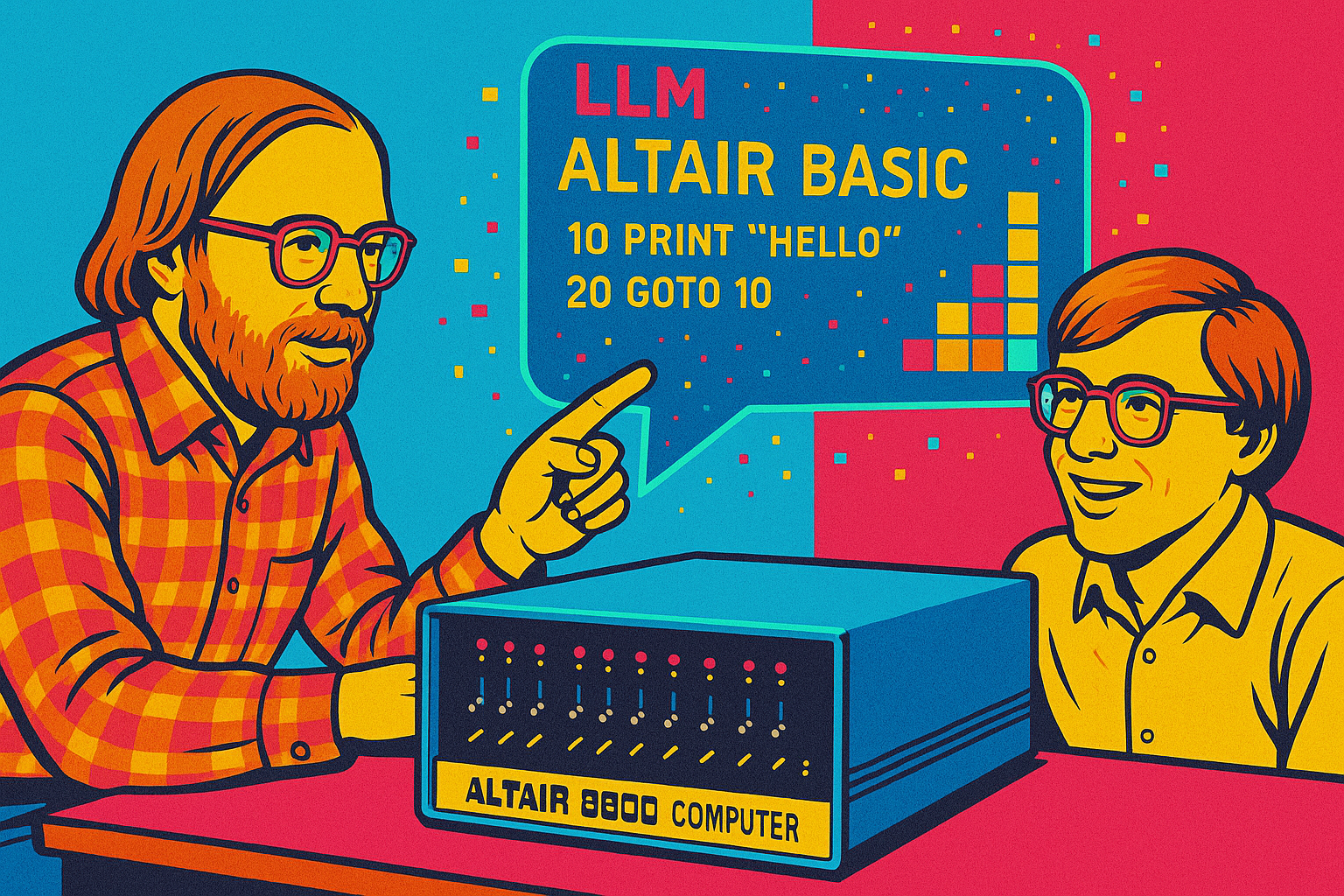
The Altair project provides a fun way to learn:
- Agentic engineer Altair 8800 applications using Intel 8080 Assembly, BDS C, and Microsoft BASIC, with help from Large Language Models (LLMs) such as Claude Sonnet or OpenAI Codex, in VS Code with GitHub Copilot.
- Learn to build multithreaded, event-driven IoT C applications that scale from microcontrollers and Raspberry Pis to desktop-class computers.
- Safely explore machine-level programming, including Intel 8080 Assembly, C, and BASIC development.
- Chat with AI directly from the Altair, using OpenAI cloud models or GenAI models hosted locally with Ollama or LM Studio.
- Enjoy retro gaming and play classic games from the past.
- Optionally, integrate free weather and pollution cloud services from Open Weather Map.
Retro computing with Dave Glover and the Altair 8800
Supported platforms
The Altair emulator runs in three main ways:
- ESP32-S3 microcontroller boards — the primary, most interesting target. The emulator runs natively on ESP32-S3 boards with a physical Altair front panel, VT100 or TFT LCD display output, SD-card disk storage, WiFi, and a WebSocket browser terminal.
- Desktop — compile and run the emulator natively on POSIX compatible operating systems including Linux, ChromeOS, Windows with WSL 2, and macOS on Apple Silicon and Intel.
- Docker — the fastest and easiest way to get going. Run the emulator in a container on Linux, macOS, Windows, ChromeOS, and Raspberry Pi OS, including single-board computers like the Raspberry Pi. You'll be up and running in minutes.
ESP32-S3 with the Altair front panel
The ESP32-S3 build drives a physical Altair front panel, mirroring the address and data bus activity just like the original hardware.
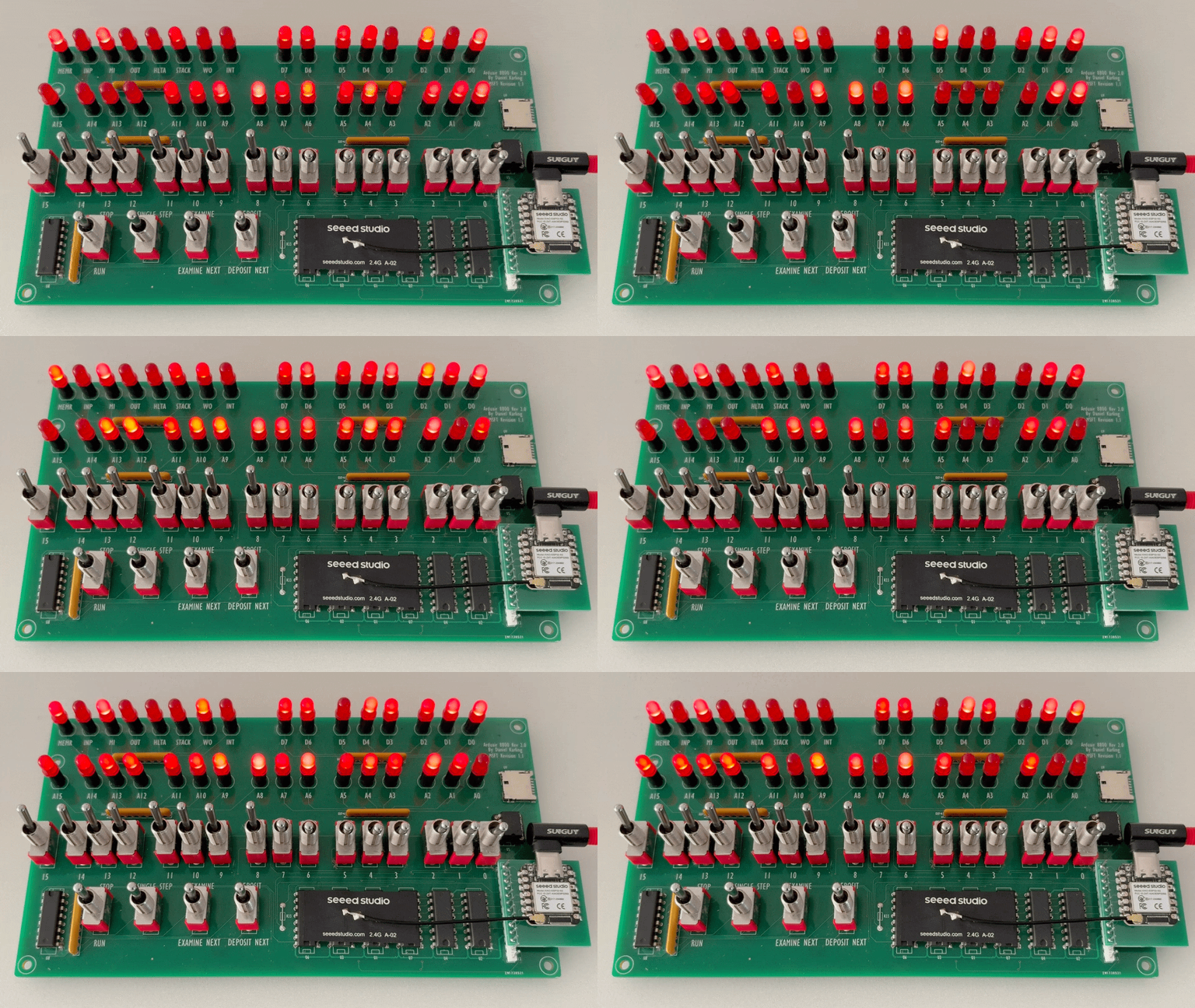
Waveshare ESP32-S3-Touch-LCD-3.5B
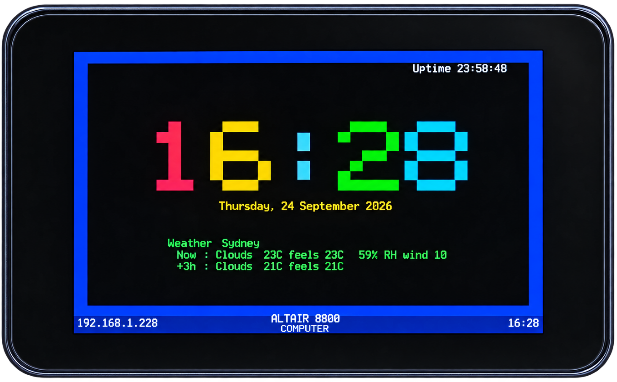
The Altair 8800 Z80 emulator running the VT100 Clock/Weather app compiled with the dcc Z80 C Compiler
FREENOVE ESP32-S3-LCD-2.8
https://store.freenove.com/products/fnk0104
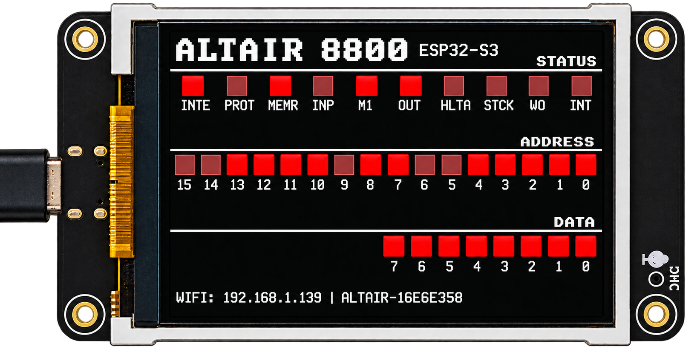
Lonely Binary ESP32-S3 N16R8 Dev Board + Screw Terminal Base, FPC Port
Lonely Binary ESP32-S3 N16R8 Dev Board + Screw Terminal Base, FPC Port
Altair history
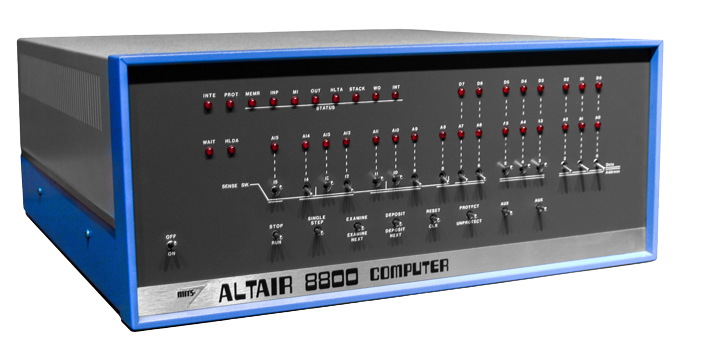
Altair 8800 image attribution - Smithsonian Museum
The Altair 8800 was built on the Intel 8080 CPU, the second 8-bit microprocessor manufactured by Intel in 1974. By today's standards, it's a simple CPU design, perfect for learning computing fundamentals because of its small instruction set.
The original Altair 8800 was programmed by setting switches on the front panel. It was a painstaking, error-prone process to load and run a program. The Altair 8800 had a series of LEDs and switches that you used to load apps and determine the state of the Altair.
You could save and load applications from a paper tape reader connected to the Altair 8800. As the Altair 8800 grew in popularity, more options became available. You could attach a keyboard, a computer monitor, and finally disk drives, a more reliable way to save and load applications.